
Reset Your Password
Edited
If you forgot your password or would like to reset it, you can do so with the following instructions.
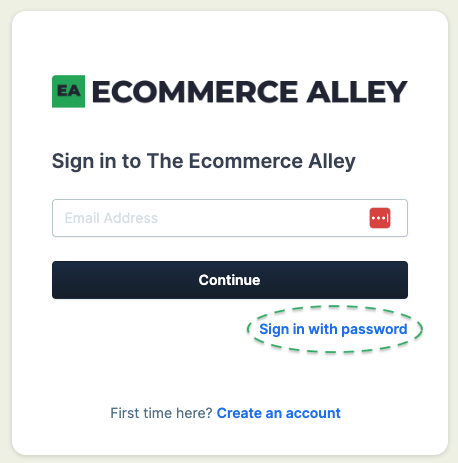
Select "Sign in with password" on the login page
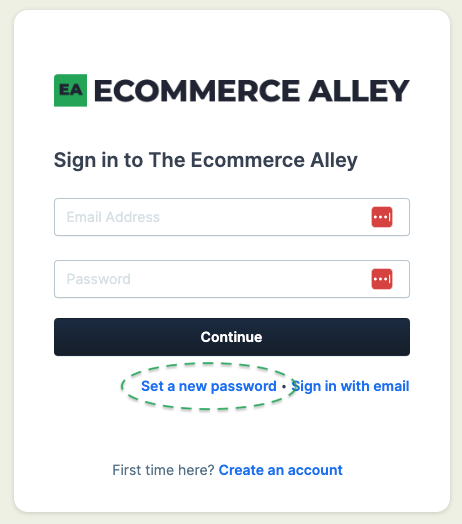
Select "Set a new password" under Continue
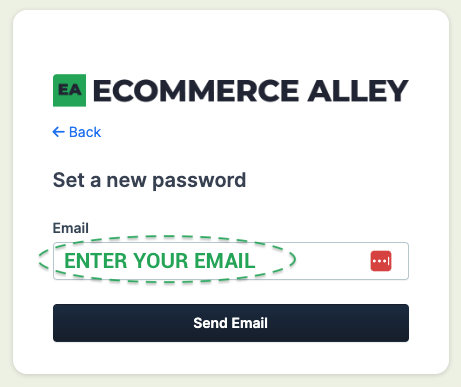
Enter the email associated with the account
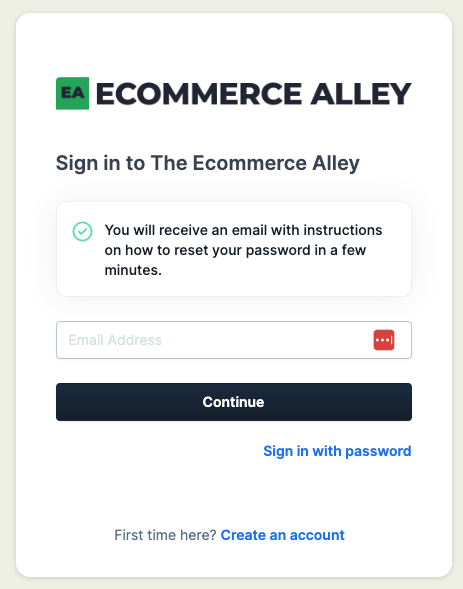
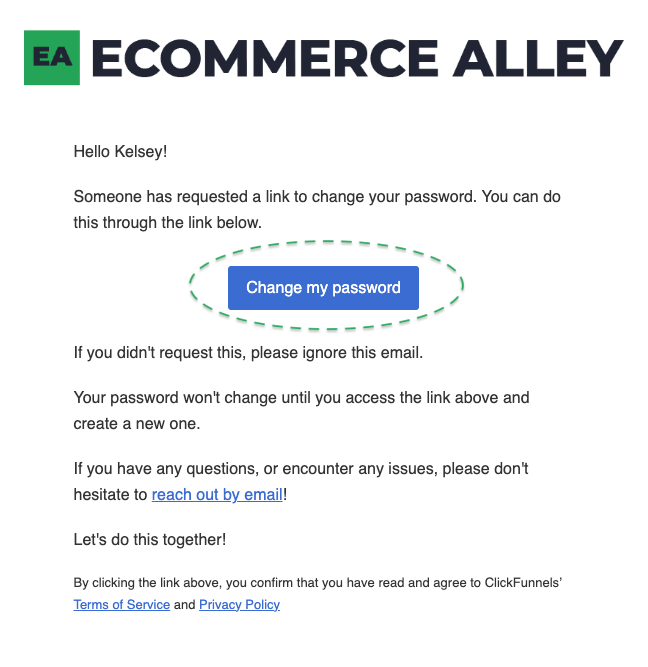
Wait for the reset password email
Click on the "Change my password" button from the email
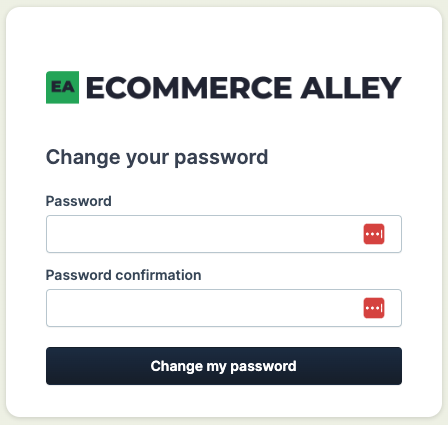
Enter your new password and log in
If all else fails, please reach out to team@theecommercealley.com and we will get back to you within 1 business day. You can also use the chatbot here on the page!